Get SiaraShield Plugin
Please follow the step-by-step guidelines below to create the SiaraShield plugin for your website:
- 1. To install the SiaraShield plugin on your website, you first need to register for an account. You can create an account here mycybersiara.com/Register. If you already have an account, simply log in to your user portal via mycybersiara.com.
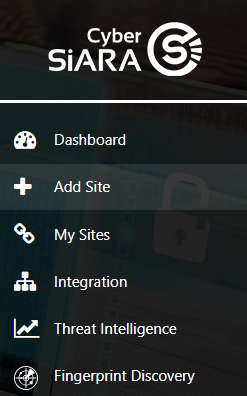
- 2. After logging in to your user portal, go to Add Site module.
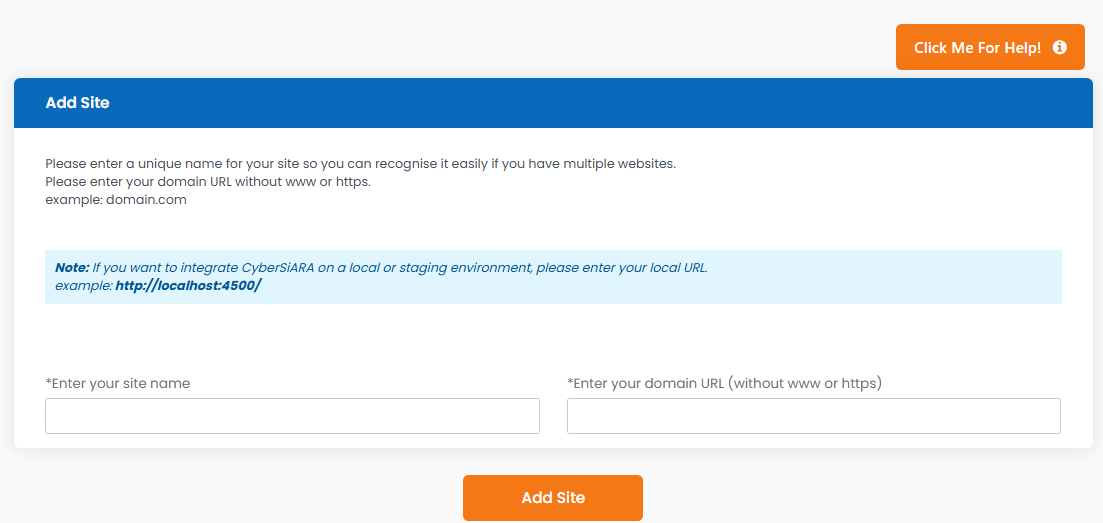
- 3. On the Add Site page, enter a unique name so SiaraShield can recognize your website. Then enter the domain name you want to protect.
Example: domain.com
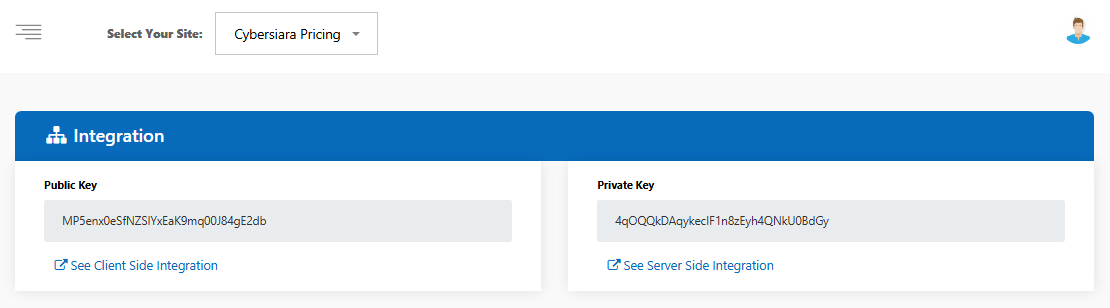
- 4. Now go to the Integration page and select the domain/site you created from the Add Site module using the site selector in the top-left corner.
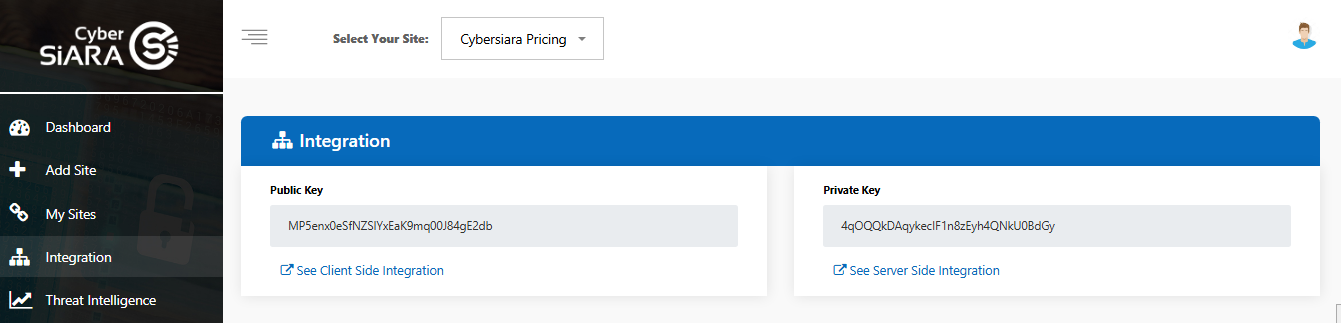
- 5. You will receive your public key and private key.